cc-beeper
A floating macOS pager for Claude Code
CC-Beeper: Floating macOS Widget for Claude Code Alerts
CC-Beeper launched on Product Hunt on April 12, 2026, and it’s solving a problem so obvious you’ll wonder why nobody packaged it sooner.
If you’ve used Claude Code for any serious work, the pattern becomes familiar fast. You start a long refactor or a test-generation run, you go do something else, and then you find yourself drifting back to the terminal every 90 seconds to see if anything’s changed. The model might be humming along. It might have been sitting idle for 8 minutes waiting on your approval. You don’t know until you check. That checking is the problem.
The Terminal Babysitter Problem
The developer who built CC-Beeper gave this phenomenon a name: The Terminal Babysitter Problem. It’s accurate. Claude Code is genuinely capable of handling long, autonomous work sessions, the kind where you hand off a task and want to actually go do something else with your brain for a while. But the tool’s current feedback loop doesn’t support that. You’re either hovering over the terminal like a hawk or gambling on coming back to find it stalled, and “most people just check the terminal, which is insane if you think about it,” they told Product Hunt.
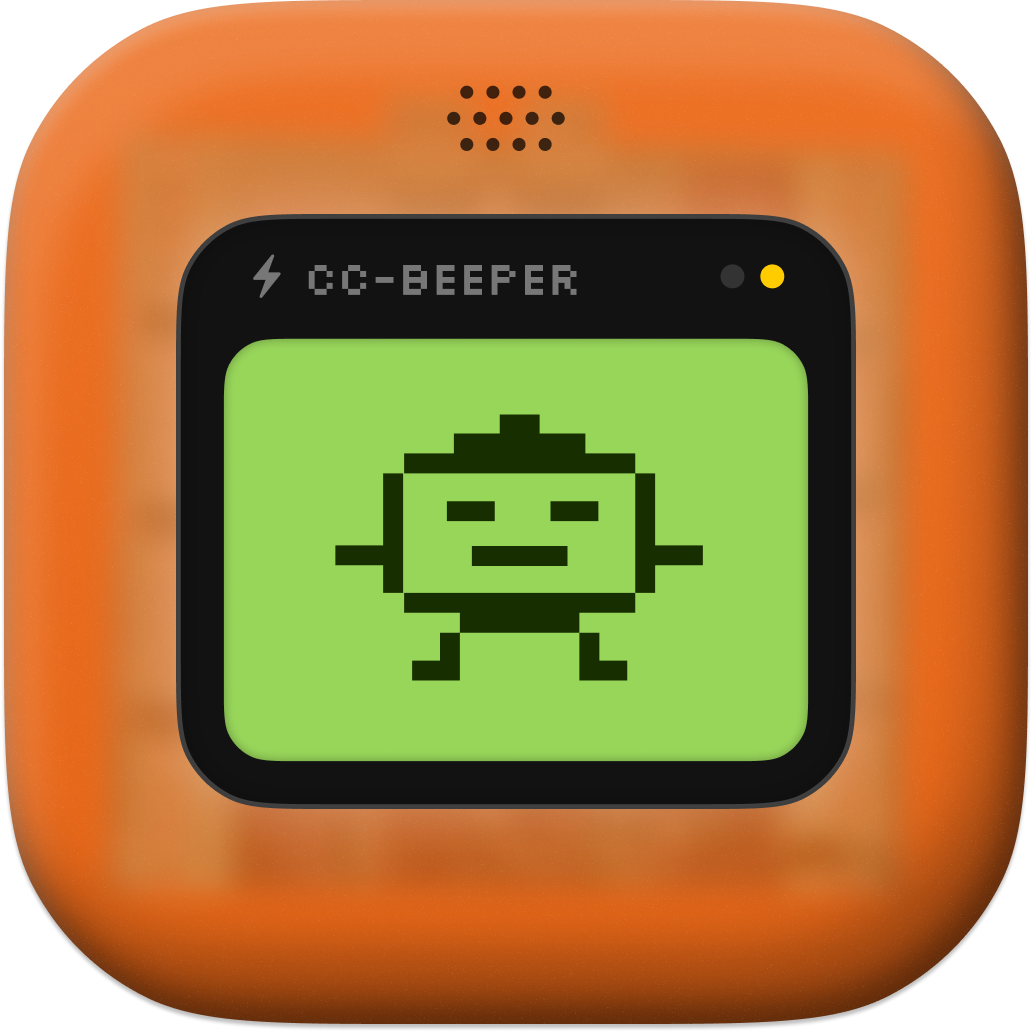
The fix is a floating macOS widget that looks like it was manufactured in 1997 and teleported directly into a 2026 dev setup. LCD display. Pixel art animations for each state: Running, waiting, done, stuck. It sits on top of your other windows and tells you, at a glance, exactly what Claude is doing without requiring you to alt-tab into anything.
There’s something worth noting about the aesthetic choice here. Retro pager aesthetics aren’t accidental. The widget reads immediately. You don’t need to parse it. When you’re “walking around my apartment while my code compiles” and you glance at your screen, you want a single piece of information delivered with zero ambiguity, and a pixel-art LCD display with bold state indicators does that job better than a text log in a terminal pane would.
Zero Dependencies. No, Really.
The GitHub repo makes a point of this. CC-Beeper is 100% local, open source, and ships as a single binary. No server required. No cloud calls happening in the background. Zero external dependencies to install. You run it and it floats there watching Claude Code and that’s the whole setup.
This matters more than it might seem. A companion tool that routes your development context through a third-party server is a different kind of product than one that runs entirely on your machine. The architectural choice here isn’t just about speed or convenience, it’s about keeping the tool from becoming a liability. Developers working on anything proprietary should care about this distinction, and a surprising number of dev tools that launched in 2026 still get this wrong.
Four Modes and One Setting That Has a Name for a Reason
CC-Beeper ships with four auto-accept modes: Strict, Relaxed, Trusted, and YOLO. The tiering here isn’t just cosmetic.
Strict means “tell me everything before doing anything.” Every action Claude wants to take requires explicit sign-off. Relaxed accepts some routine operations automatically. Trusted opens that further. YOLO, the name tells you what you need to know, and if you’re running YOLO mode on a production database migration you made a deliberate decision and it’s on you.
What’s actually smart about this design is that the mode selector lives in the floating pager itself, always visible, always on top of your other windows. You can’t accidentally forget what mode you’re in. Spinning up a throwaway prototype? Maybe YOLO makes sense. Touching anything near critical infrastructure? Strict. Having the current permission level displayed alongside the current Claude state means both pieces of information are always co-located in your peripheral vision, which is exactly where they need to be.
A tiered permission model built into a floating widget is the kind of design decision that signals someone thought hard about the actual workflow rather than just building features. Different tasks need different levels of supervision. That’s not a profound observation, but it’s one that a lot of developer tools still fail to act on.
Voice Input and the Apartment Problem
Voice input and spoken recaps are the features I didn’t expect to take seriously. The idea is that you can interact with Claude Code without returning to your keyboard, issuing instructions or getting status updates out loud while you’re doing something else.
The use case becomes concrete pretty quickly. The developer described “walking around my apartment while my code compiles” and that image is specific enough to be convincing. There’s a real class of developer work that happens in a kind of ambulatory state: you’re thinking through a problem, you’re away from your desk, and the bottleneck isn’t your brain’s processing speed but the physical requirement of sitting back down and typing something. Voice interaction doesn’t solve every problem in that scenario, but it does remove one friction point that turns out to be larger than it looks.
Whether voice input for coding tools becomes a standard pattern in 2026 or remains a niche preference is genuinely unclear. But the fact that CC-Beeper includes it suggests the developer was building for their own actual behavior first, which is usually a better predictor of a tool being useful than building to a market thesis.
The Product Hunt Numbers
The CC-Beeper listing went up on April 12, 2026, which is a notable timing. Claude Code had been building a serious developer following, and the pain point CC-Beeper addresses was one that any active Claude Code user would recognize immediately.
The listing ID embedded in that URL is 275675, which is a number that will mean nothing to you unless you care about how Product Hunt’s API assigns IDs and what it implies about volume of listings over time. What matters more is the response: 57 upvotes, 29 comments, a ranking of 10 for the day. For a single-developer utility tool with no marketing budget and no launch announcement outside Product Hunt itself, those numbers indicate the tool hit a real nerve with the right audience. The 367 unique visitors who found the listing organically on launch day represent the kind of concentrated early-adopter attention that actually matters for a tool like this.
What It Actually Is
CC-Beeper is a 12-dollar problem with a free solution, assuming your time is worth anything at all. The hours developers collectively spend checking terminals during long Claude Code sessions would be funny if you added them up. They won’t, because nobody wants to know.
The tool is small, intentional, and built around a single genuine insight: the feedback loop between Claude Code and the developer running it has a gap, and that gap has a specific shape. It isn’t about Claude’s capabilities. It isn’t about the quality of the output. It’s about the 90-second anxious check-in, the interrupted flow state, the eight minutes of idle waiting you didn’t know about. CC-Beeper puts a floating LCD display in that gap and fills it with information you actually need.
The open source license and single-binary distribution mean there’s no adoption cost worth speaking of. You run it or you don’t. Neither choice requires an evaluation process.
The YOLO mode exists. That’s probably all that needs to be said about the product philosophy.